Blog
Stuck Red Dot Battery Cap? Try This Before Damaging Your Optic

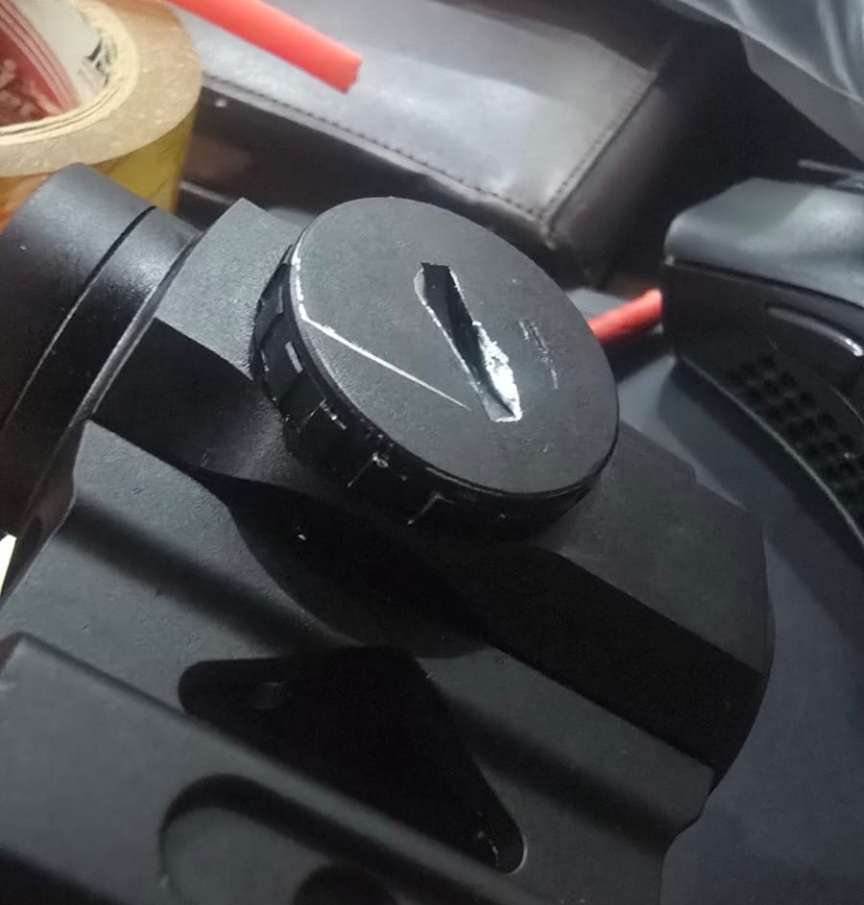
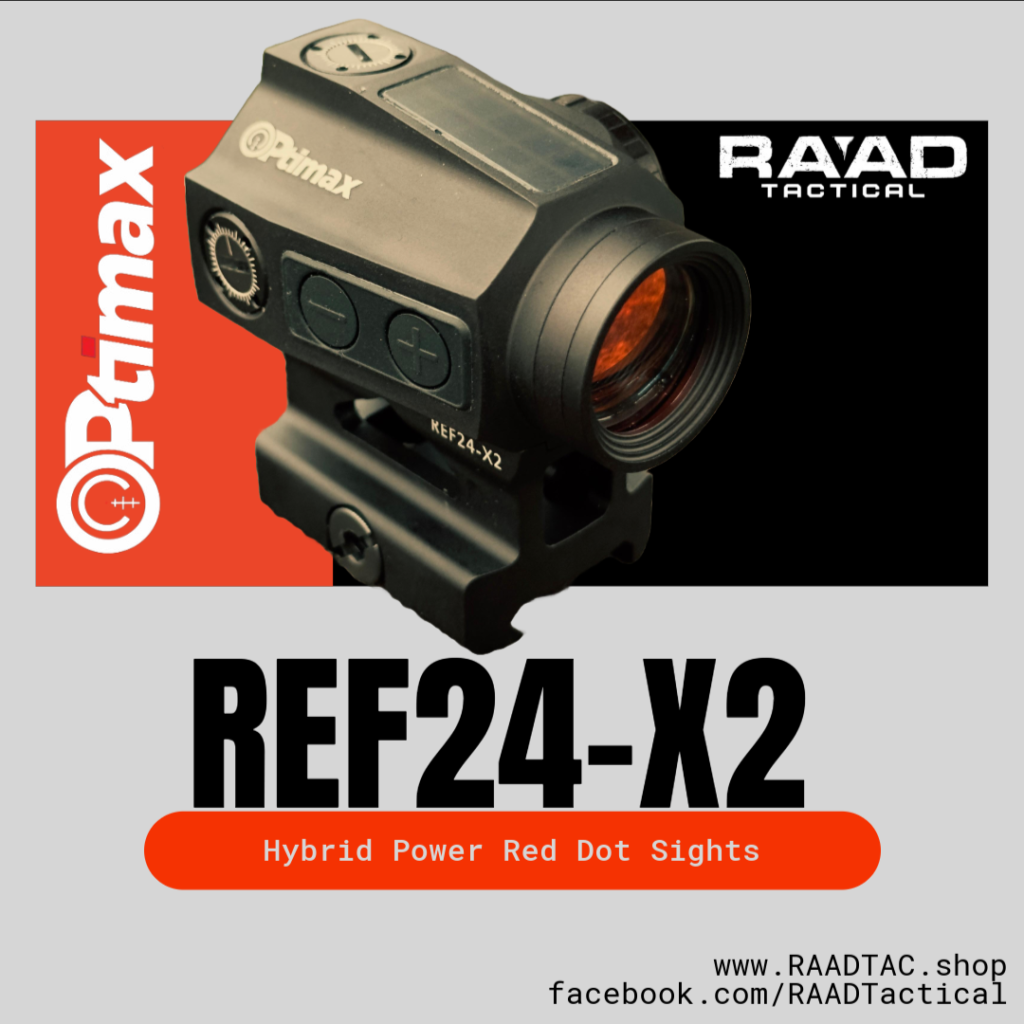
Before sharing the solution, here’s a little background on this particular optic.
This red dot was returned to us by a customer with a badly stuck battery compartment cap. The cap had apparently been overtightened, and improper tools had also been used in an attempt to open it, resulting in visible damage to the cap.
Since we stand behind our products and provide warranty support, we replaced the customer’s red dot without unnecessary questions or delays. Our priority was to get the customer back to using his equipment rather than making him wait while we investigated the issue.
After replacing the unit, we kept the returned optic so we could properly diagnose the problem and find a safe and practical solution.
A special thanks to my friend for his valuable guidance and for suggesting the approach that ultimately helped us resolve the problem.
The Problem
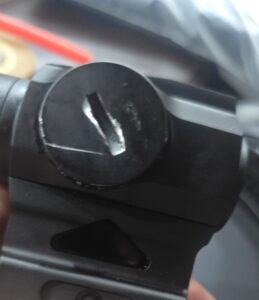
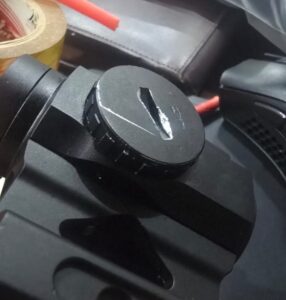 The battery cap was extremely tight and would not move with normal pressure. In situations like this, continuing to apply excessive force, especially with improper or incorrectly sized tools, can damage the cap, deform the tool slots, or potentially make the cap even more difficult to remove.
That was exactly what had happened in this case.
What Worked for Us
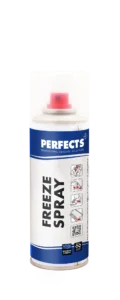 Instead of applying even more force, we used freeze spray to carefully cool the battery cap locally.
Cooling metal causes slight thermal contraction. By carefully cooling the cap and creating a temperature difference between the cap and the surrounding housing, we were able to loosen and successfully remove the stuck cap without applying excessive force.
In our case, this simple technique worked.
Important Precautions
- Never unnecessarily overtighten an optic’s battery cap. It only needs to be properly secured.
- Always use the correct tool and correct size when opening or tightening the battery compartment.
- If the cap is not moving, do not keep increasing force.
- If using a cooling method, apply it carefully and locally.
- Be cautious of condensation and never allow moisture to enter the battery compartment or optic.
- Once the cap is removed, inspect both the cap and threads for signs of damage before reinstalling it.
- If the cap remains completely seized, professional servicing is safer than risking further damage to the optic.
The Lesson
The biggest lesson from our experience is simple:
More force isn’t always the solution. The correct tools and the correct technique matter.
We are sharing this real experience from RAAD Tactical in the hope that it may help other red dot and optic users avoid the same problem and, more importantly, avoid damaging their equipment while trying to fix it.